DevSecOps Tools: Best Platforms for Secure Software Delivery
April 16th, 2026
Ben Nettleton
TL;DR
DevSecOps tools help teams embed security into software delivery without slowing down development. The strongest toolchains combine code analysis, dependency scanning, container security, secrets detection, policy enforcement, and runtime visibility so teams can catch risk earlier and respond faster. If your priority is shifting security left, Kiuwan is a strong option for SAST-driven secure development, while tools like GitLab, Snyk, Aqua, Checkmarx, and SonarQube can fill other parts of the DevSecOps stack.
DevSecOps tools form the backbone of modern secure software delivery. As organizations race to release features faster, the challenge is not just writing great code. It is also making sure every commit, container, and deployment is protected against evolving threats.
That is where DevSecOps comes in, weaving security into every stage of the development lifecycle without forcing teams to choose between speed and safety. The right tools help developers catch vulnerabilities early, automate policy checks, and build more secure software with less rework.
In this post, we will cover the main categories of DevSecOps tools, explore the top platforms teams rely on, and share practical guidance on how to choose the right toolchain for your organization.
Why DevSecOps tools matter today
The rise of cloud-native applications, microservices, and continuous delivery pipelines has reshaped how software is built and released.
But with faster delivery comes greater risk. Security vulnerabilities can reach production long before traditional reviews or audits catch them. DevSecOps tools help address this by embedding security checks directly into the development process, so teams can identify and fix issues earlier.
Instead of treating security as a final checkpoint, DevSecOps brings it into daily workflows. Tools for static application security testing (SAST), dependency scanning, container scanning, secrets detection, and policy enforcement help teams work more securely without adding unnecessary friction. This reduces costly rework and helps organizations support internal security standards and external compliance requirements.
Most importantly, DevSecOps tools enable closer collaboration between development, operations, and security teams. By shifting security left and automating protections where possible, organizations can release software faster while improving resilience across the pipeline.
Categories of DevSecOps tools and their functions
DevSecOps tools span multiple categories, each addressing different risks in the software development lifecycle. Below are the most common types and the roles they play in strengthening application security.
Key categories:
Static application security testing (SAST): analyzes source code early in development to identify vulnerabilities before builds
Dynamic application security testing (DAST): tests running applications to uncover runtime and input-validation issues
Software composition analysis (SCA): identifies risks in open-source dependencies and third-party components
Container and image scanning: examines containers for vulnerabilities, malware, and misconfigurations
Secrets detection: finds hardcoded credentials, API keys, and tokens in repositories
Policy enforcement and compliance: automates alignment with security standards and internal policies
Runtime security and monitoring: provides visibility into production environments and helps detect threats in real time
Category
Primary function
Static application security testing (SAST)
Scans source code during development to detect vulnerabilities early.
Dynamic application security testing (DAST)
Tests running applications to uncover runtime and input-validation issues.
Software composition analysis (SCA)
Flags vulnerabilities in open-source libraries and third-party components.
Container and image scanning
Identifies vulnerabilities and misconfigurations in containerized workloads.
Secrets detection
Prevents credential leaks by scanning repositories for keys, tokens, and passwords.
Policy enforcement and compliance
Helps align toolchains with standards such as PCI DSS, HIPAA, and GDPR.
Runtime security and monitoring
Provides continuous monitoring and threat detection in production environments.
Top DevSecOps tools to know
Below are some of the leading DevSecOps tools organizations rely on today. Each plays a different role in securing code, dependencies, containers, and production environments, helping teams shift security left without slowing delivery.
Kiuwan: Best for static application security testing (SAST)
Overview:
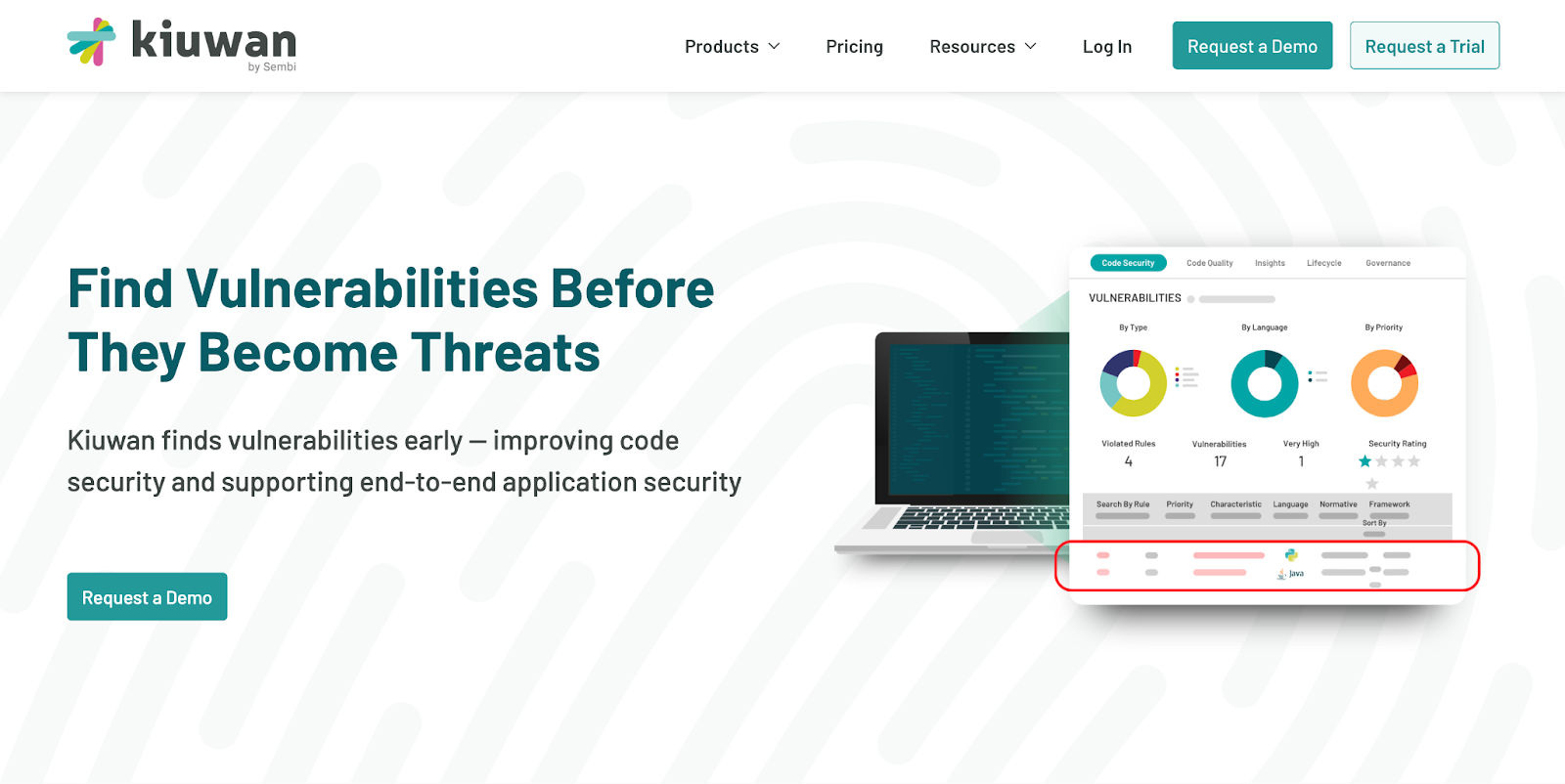
Kiuwan helps teams shift security left with SAST, code quality analysis, and software composition analysis through its Code Security and Insights products. It supports 30+ languages, integrates with popular IDEs and development environments, and maps findings to standards such as OWASP, CWE, PCI, CERT, and SANS. It is available in hybrid-cloud and on-premises deployment models, which makes it a strong fit for teams that want flexible, secure-by-design adoption.
Pros:
Broad support for modern and legacy languages
Integrates with CI/CD pipelines, IDEs, and developer workflows
Strong reporting and standards-based remediation support
Flexible deployment options for security-sensitive environments
Cons:
Best for organizations with structured development pipelines
Teams may still need complementary tools for runtime or container security
G2 score: ★★★★☆ (4.5/5)
GitLab: Best for integrated DevSecOps pipelines
Overview:
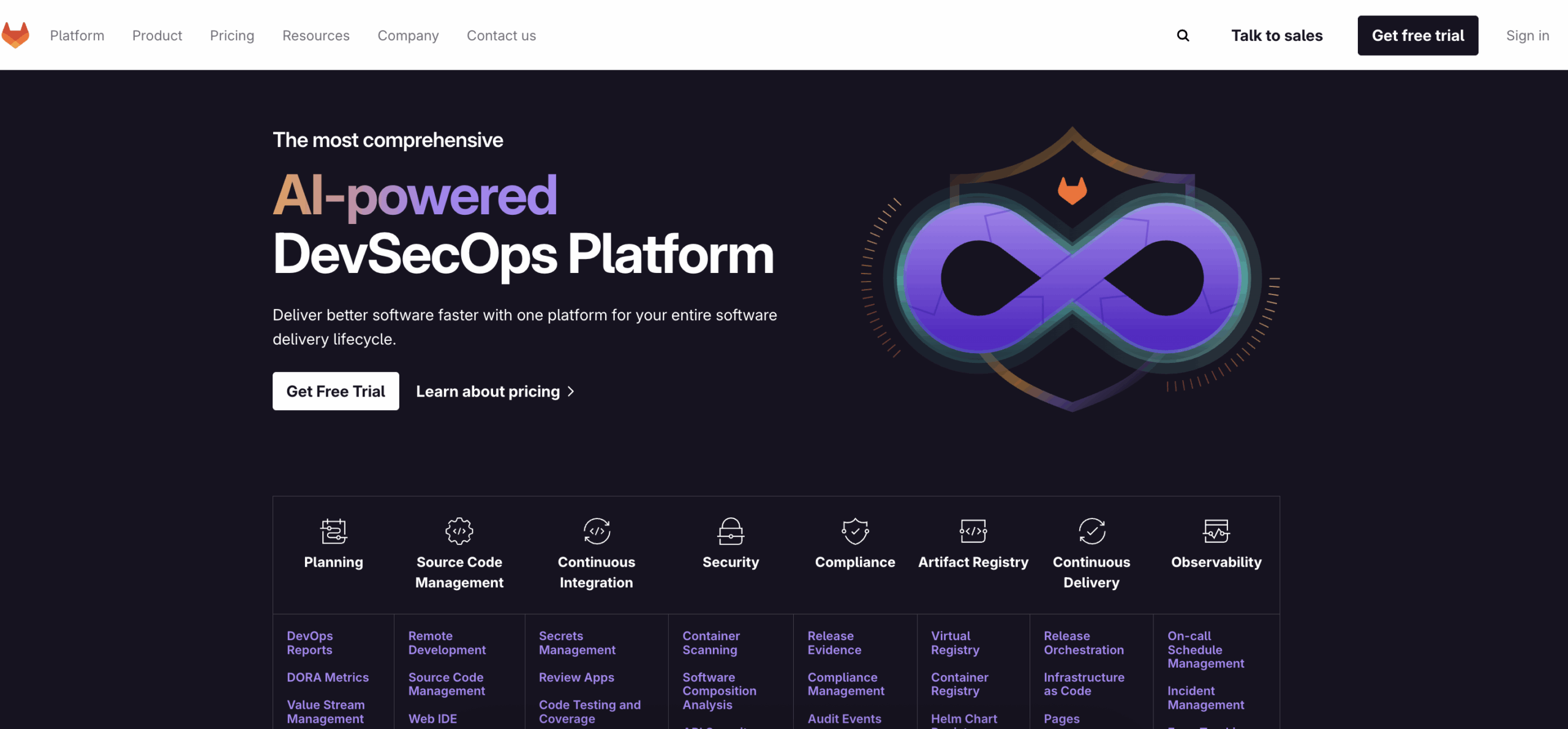
GitLab provides an integrated DevSecOps platform with built-in support for SAST, DAST, dependency scanning, and secret detection. Its security features plug directly into GitLab CI/CD and merge request workflows, making it a strong option for teams that want centralized delivery and security in the same platform. GitLab also supports diff-based and advanced SAST workflows for supported languages.
Pros:
Single platform reduces tool sprawl and integration overhead
Native CI/CD integration makes setup straightforward
Security findings surface directly in merge requests and pipelines
Cons:
Less flexible for teams that prefer best-of-breed point tools
Can feel heavy for large or highly customized deployments
G2 score: ★★★★☆ (4.5/5)
Snyk: Best for software composition analysis (SCA)
Overview:
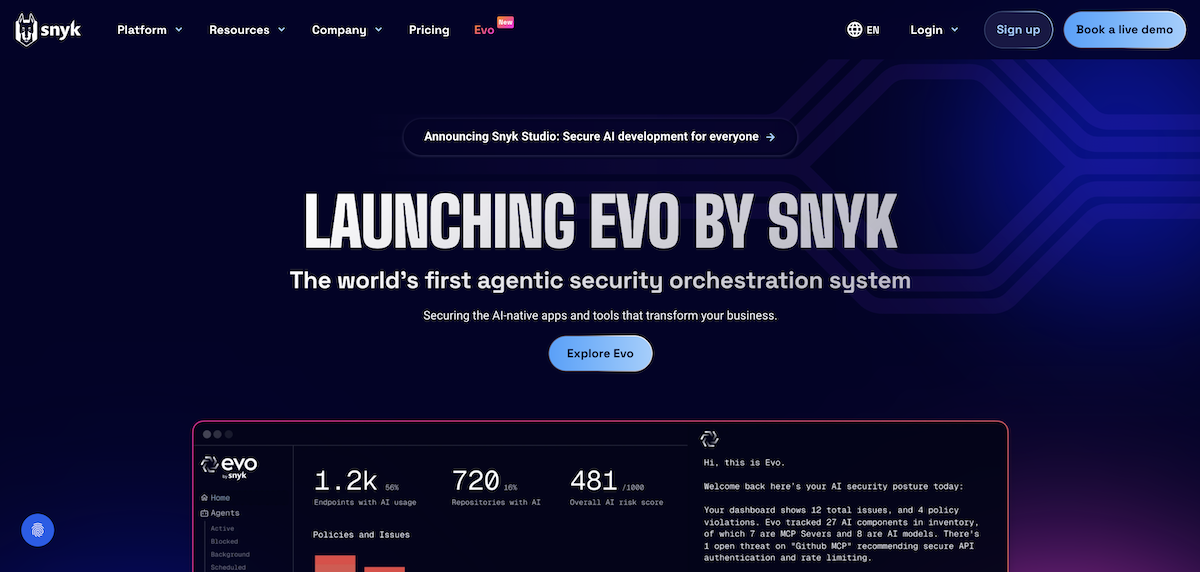
Snyk is especially strong in software composition analysis, while also covering SAST, container security, and infrastructure as code security. Its developer-first approach, IDE and repo integrations, and in-workflow remediation guidance make it a popular choice for teams that want to address open-source and cloud-native risk early.
Pros:
Strong open-source dependency and supply chain risk coverage
Integrates well with IDEs, repositories, and CI/CD workflows
Helps developers fix issues early with contextual guidance
Cons:
Strongest value is often in dependency and platform security, not just proprietary code scanning
Enterprise pricing can add up for larger deployments
G2 score: ★★★★☆ (4.5/5)
Aqua Security: Best for container and cloud-native security
Overview:
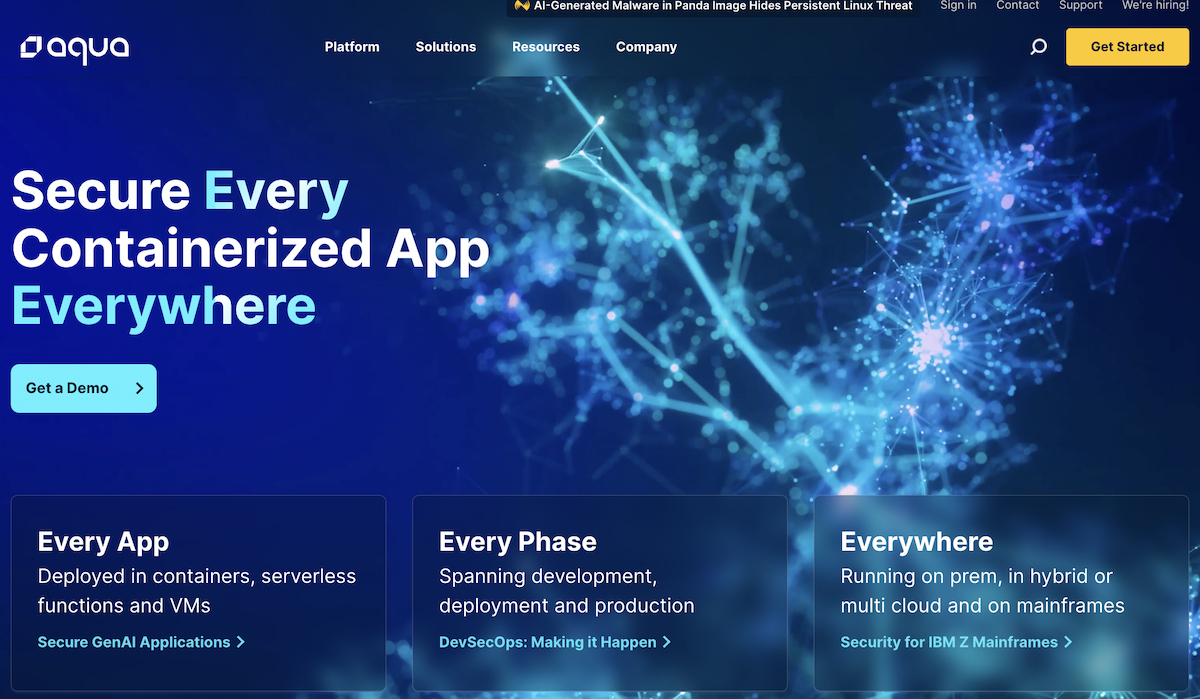
Aqua Security focuses on cloud-native security across containers, Kubernetes, serverless, and runtime environments. Its platform emphasizes image scanning, runtime protection, compliance support, and contextual prioritization to help teams reduce noise and focus on the risks that matter most in production.
Pros:
Strong container and Kubernetes security coverage
Advanced runtime visibility and threat detection
Good fit for multi-cloud and large cloud-native environments
Cons:
More complex to deploy than lighter developer-first tools
Teams may need tuning and process maturity to get the most value
G2 score: ★★★★☆ (4.2/5)
Checkmarx: Best for enterprise-scale application security
Overview:
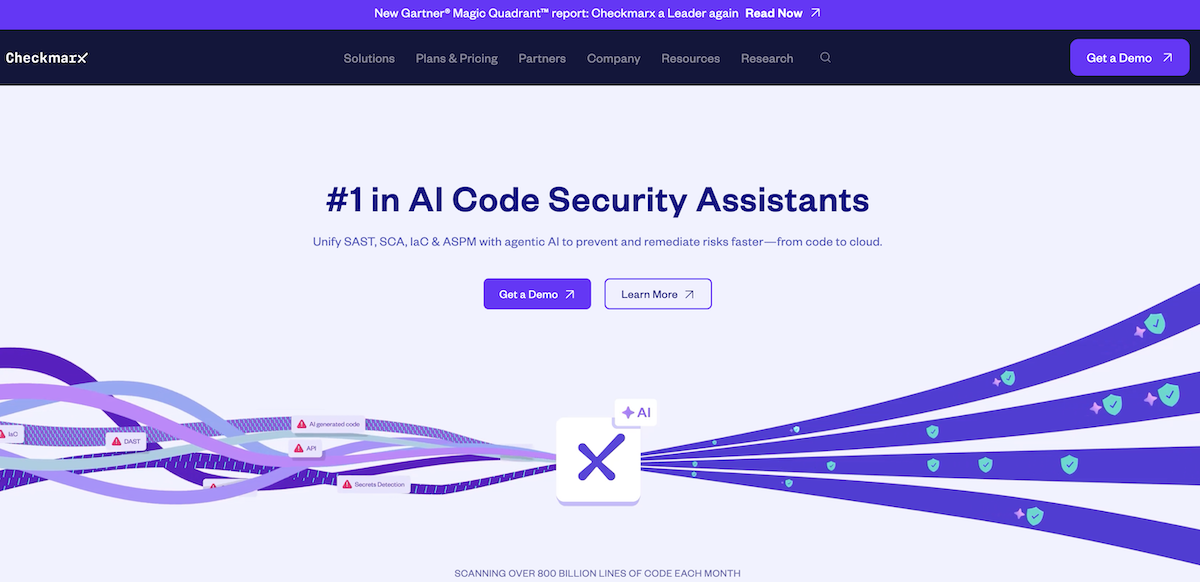
Checkmarx is a long-established AppSec platform with strong enterprise support across SAST and related application security capabilities. Its current platform messaging emphasizes SAST, SCA, API security, secrets detection, IaC security, and container security, along with features such as Fast Scan, Best Fix Location, and AI Query Builder for customizing queries.
Pros:
Strong coverage across application security use cases
Enterprise-friendly scalability and reporting
Useful remediation context for larger AppSec programs
Cons:
More resource-intensive than lighter-weight tools
Smaller teams may find it more than they need
G2 score: ★★★★☆ (4.2/5)
SonarQube: Best for code quality and maintainability with security checks
Overview:
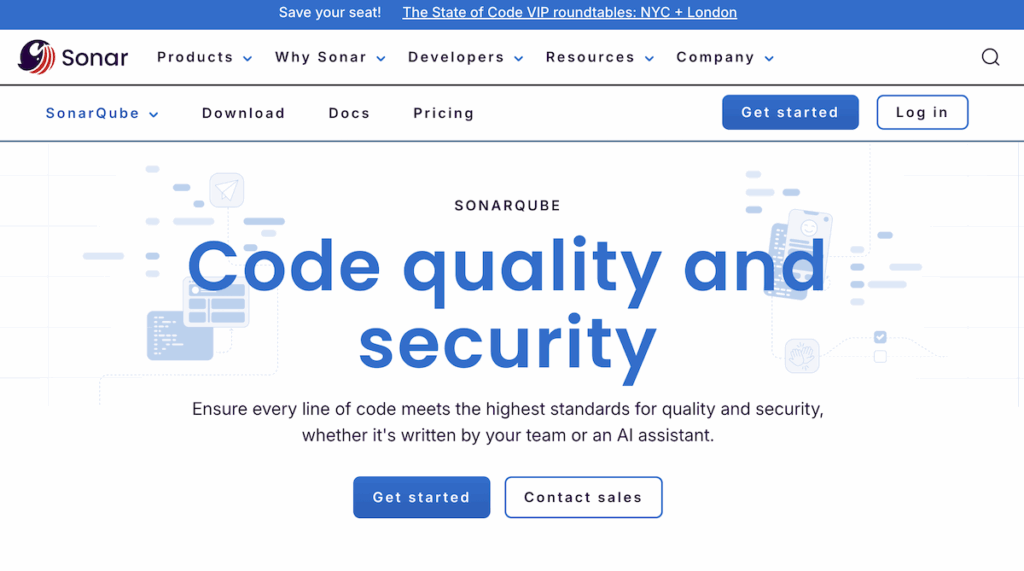
SonarQube combines static analysis for code quality and security, making it a strong fit for teams that want to improve maintainability and catch vulnerabilities within the same workflow. SonarQube currently supports 30+ languages, frameworks, and IaC platforms, and recent Sonar materials highlight AI CodeFix and AI Code Assurance capabilities.
Pros:
Strong emphasis on clean, maintainable code
Popular CI/CD and IDE integrations
Good option for teams that want security and code quality together
Cons:
Not a full DevSecOps suite on its own
Enterprise security teams may need deeper, more dedicated AppSec coverage elsewhere
G2 score: ★★★★☆ (4.4/5)
Tool
Best for
Primary strengths
G2 Score
Kiuwan
Static application security testing (SAST)
Broad language support, CI/CD and IDE integration, standards-based reporting, flexible deployment
4.5/5
GitLab
Integrated DevSecOps pipelines
All-in-one platform with built-in SAST, DAST, dependency scanning, and secret detection
Container and Kubernetes protection, runtime visibility, compliance support
4.2/5
Checkmarx
Enterprise-scale application security
Broad AppSec coverage, scalable enterprise workflows, detailed remediation support
4.2/5
SonarQube
Code quality and maintainability with security checks
Combines code quality and security checks, strong developer workflow support
4.4/5
How to choose the right DevSecOps toolchain
With so many DevSecOps tools available, the best approach is not to adopt everything. It is to choose the right combination for your team’s workflows, risk profile, and delivery model. The strongest toolchains balance developer experience with security depth and operational clarity.
When evaluating options, consider the following:
Integration with existing workflows: Tools that connect directly into IDEs, Git repositories, and CI/CD pipelines are easier for developers to adopt and maintain
Coverage across the lifecycle: A complete toolchain should address code analysis, dependency management, container security, secrets detection, and runtime monitoring.
Prioritization and automation: The best platforms reduce noise and help teams focus on the issues most likely to matter in their environment. Prioritization features, contextual analysis, and automation can make remediation faster and more practical.
Scalability and compliance: As organizations grow, the right tools should scale with larger codebases, more teams, and stricter regulatory requirements. Support for standards and flexible deployment can matter just as much as scan depth.
For teams focused on shifting security left, Kiuwan’s customizable analysis, broad language support, and flexible deployment model make it a strong foundation for secure development. Paired with complementary tools for container security, dependency scanning, and runtime monitoring, it can help organizations build a more secure and resilient DevSecOps workflow.
DevSecOps tools are technologies that embed security into the software development lifecycle. They automate activities such as code scanning, dependency analysis, secrets detection, container security, and runtime monitoring so teams can identify risk earlier and respond faster.
Why are DevSecOps tools important?
They help teams catch vulnerabilities before release, reduce manual security bottlenecks, and make security part of everyday development instead of a final-stage review. That usually means faster remediation, less rework, and stronger overall software delivery.
Which DevSecOps tools are most widely used?
Widely used options include Kiuwan for SAST for integrated DevSecOps workflows, Snyk for software composition analysis and developer-first security, Aqua Security for cloud-native and container security, Checkmarx for enterprise application security, and SonarQube for code quality with security checks.
How do DevSecOps tools integrate with CI/CD pipelines?
Most modern DevSecOps tools connect directly to CI/CD workflows so scans can run automatically during builds, pull requests, or deployments. This helps teams surface security findings earlier without adding a separate manual process.
What should I look for when choosing DevSecOps tools?
Look for strong workflow integration, broad coverage across the lifecycle, actionable remediation guidance, prioritization that reduces alert noise, and the ability to scale as your application portfolio grows.
Are DevSecOps tools the same as AppSec tools?
Not exactly. AppSec tools focus specifically on securing applications, while DevSecOps tools support a broader pipeline-level approach that can include code, dependencies, infrastructure, containers, and runtime environments. AppSec is part of DevSecOps, but it is not the whole picture.
Are DevSecOps tools only for large enterprises?
No. Smaller teams can benefit from lightweight or focused tools, while larger enterprises often build broader toolchains with more governance, reporting, and policy controls. The right choice depends more on complexity and risk than on company size alone.
Can DevSecOps tools replace traditional security testing?
No. They work best alongside activities such as manual review, penetration testing, and architecture assessments. DevSecOps tools provide continuous automated coverage, while traditional testing can validate bigger or more targeted risks.
Which DevSecOps tool is best for shifting security left?
If your main goal is early code-level detection inside developer workflows, Kiuwan is a strong choice because it focuses on SAST-driven secure development, supports 30+ languages, and offers flexible deployment and standards-based reporting.
Get Your FREE Demo of Kiuwan Application Security Today!
Identify and remediate vulnerabilities with fast and efficient scanning and reporting. We are compliant with all security standards and offer tailored packages to mitigate your cyber risk within the SDLC.
TL;DR Code review tools help teams catch issues earlier, improve collaboration, and keep development standards consistent. In this guide, we compare GitHub, Gerrit, Patchwork, P4 Code Review, and Qodo based…
TL;DR Static Application Security Testing (SAST) tools help teams catch vulnerabilities earlier in the software development lifecycle, making it easier to fix issues before they reach production. In this guide,…
TL;DR Software composition analysis (SCA) tools help teams identify vulnerable and outdated open-source components, manage license risk, generate SBOMs, and secure the software supply chain without slowing delivery. In this…